> For the complete documentation index, see [llms.txt](https://docs.paragontruss.com/llms.txt). Markdown versions of documentation pages are available by appending `.md` to page URLs; this page is available as [Markdown](https://docs.paragontruss.com/materials/reference.md).
# Reference
## Lumber List
A Lumber List is comprised of one or more Lumber Sets which include Lumber Species, Treatment Types, heights, widths, and stock lengths. Lumber Lists are selectable when creating components in Paragon Design.
### Lumber Set
A group of lumber with specific properties.
{% hint style="success" %}
Tip
Create separate Lumber Sets per Species/Grade when there is variability in the Dimensions and Stock Lengths properties between the different Species/Grades.
{% endhint %}
#### Properties
**Species** - The lumber species. It is possible to make multiple species selections to expedite building out the Lumber List.
{% hint style="info" %}
Note
When multiple `Species` are selected, the option to `ADD AS COMBO SPECIES` becomes available. Combo Species allows you to use the Combo Lumber set in component designs, which uses the lowest of the amalgamated design values for the combined lumber set. Components designed with Combo Lumber can be fabricated with any of the lumber types included in the user-defined Combo Lumber set.
{% endhint %}
**Grade** - The lumber grade. It is possible to make multiple grade selections to expedite building out the Lumber List.
{% hint style="info" %}
Note
When multiple `Grades` are selected, the option to `ADD AS COMBO GRADE` becomes available. Combo Grade allows you to use the Combo Lumber set in component designs, which uses the lowest of the amalgamated design values for the combined lumber set. Components designed with Combo Lumber can be fabricated with any of the lumber types included in the user-defined Combo Lumber set.
{% endhint %}
**Treatment Type** - The type of treatment applied to the lumber
**Dimension 1** - Either the thickness or width of the lumber in inches, whichever you didn't use for Dimension 2 (ex. **1.5** x 3.5 = 2x4)
**Dimension 2** - Either the thickness or width of the lumber in inches, whichever you didn't use for Dimension 1 (ex. 3.5 x 1**.5** = 4x2)
**Stock Lengths** - The possible lengths for a stock unit of this Lumber Type.
{% hint style="info" %}
**Note**
Stock Length settings and corresponding pricing have an impact on auto-splicing during analysis.
Splicing Logic Summary:
* Auto-splicing is optimized for lowest cost but only if there is pricing defined for all lumber and stock lengths.
* If pricing is not defined for all lumber and stock lengths then auto-splicing uses the longest available stock length.
{% endhint %}
Multiple Lumber Sets Make up a Lumber List
## Plate List
A list of plates. Each plate has a type and a size and can be filtered by Manufacturer, Type, and Size.
**Manufacturer** - The plate manufacturer. Select from Alpine, CH, MiTek, or Simpson Strong-Tie.
**Type** - The unique identifier for the plate, which typically indicates its manufacturer, gauge, and grade
**Size** - The dimensions of the plate in inches in the form "length x width"
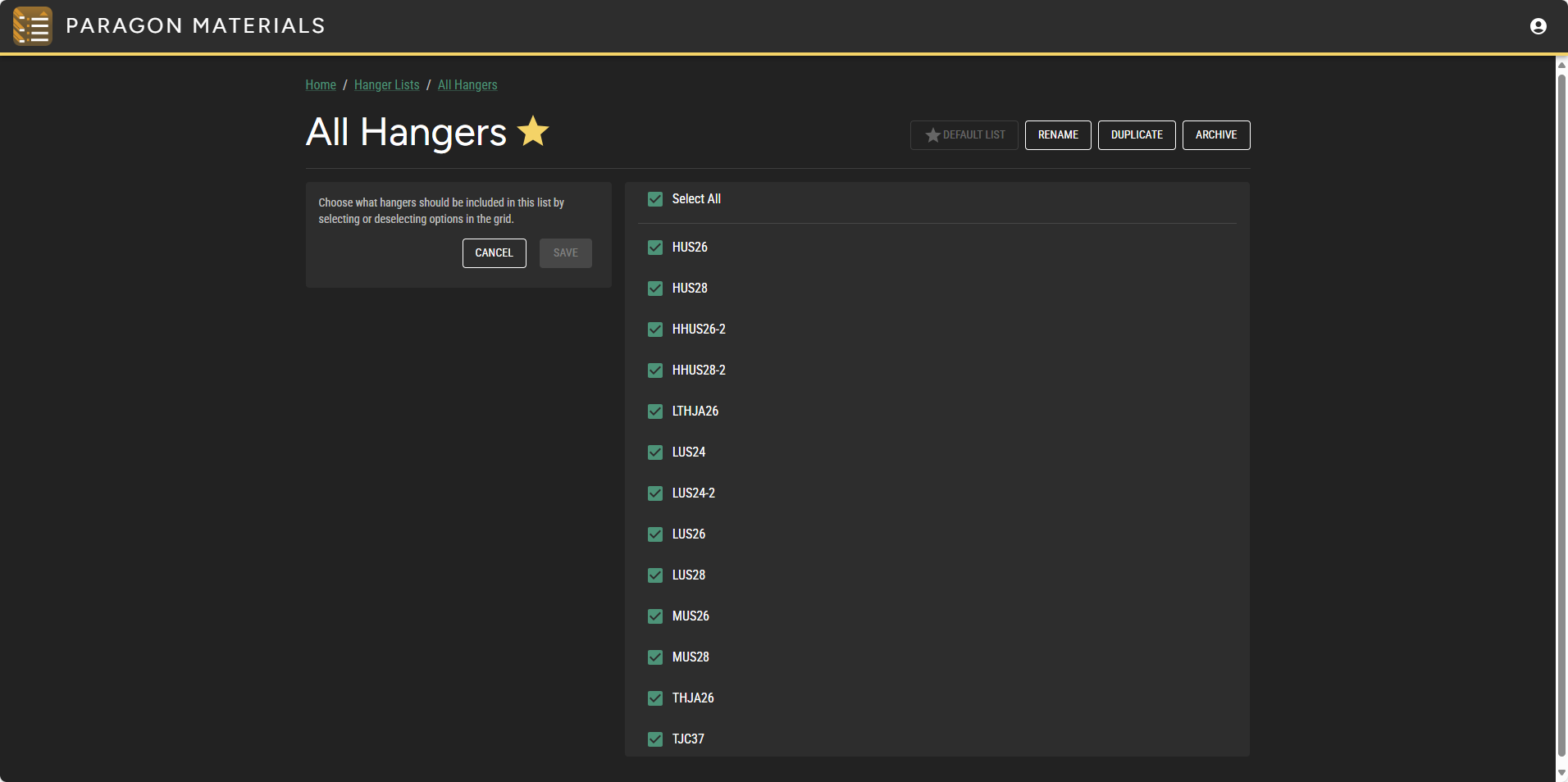
## Hanger List
A list of hangers. Hanger products that are included in the project's materials will be available for selection in Paragon Design.
{% hint style="info" %}
Note
A subset of Simpson Strong-Tie hangers are available for selection.
{% endhint %}
## Archived Material List
It is possible to archive Lumber Lists, Plate Lists, and Lumber Lists. Archived Lists are represented with strikethrough text.
{% hint style="danger" %}
Warning
When you archive a material list, components added when that list was still active will still use the archived materials. You need to [manually update](/design/how-to/general/modify-project-and-component-settings/material-settings.md) the lists for said projects and components.
{% endhint %}
---
# Agent Instructions
This documentation is published with GitBook. GitBook is the documentation platform designed so that both humans and AI agents can read, navigate, and reason over technical content effectively. Learn more at gitbook.com.
## Querying This Documentation
If you need additional information that is not directly available in this page, you can query the documentation dynamically by asking a question.
Perform an HTTP GET request on the current page URL with the `ask` query parameter, and the optional `goal` query parameter:
```
GET https://docs.paragontruss.com/materials/reference.md?ask=&goal=
```
`ask` is the immediate question: it should be specific, self-contained, and written in natural language.
`goal` is optional and describes the broader end goal you are ultimately trying to accomplish on behalf of the user. GitBook uses it to tailor the answer towards what is most useful for that goal.
The response will contain a direct answer to the question and relevant excerpts and sources from the documentation.
Use this mechanism when the answer is not explicitly present in the current page, you need clarification or additional context, or you want to retrieve related documentation sections.