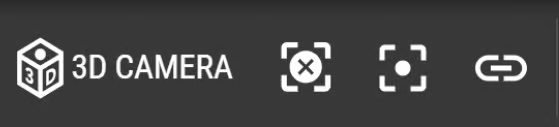
View and Link Options
View and Link Options
 | '3D CAMERA' (Ctrl + 3) view option allows you to toggle between 2D and 3D. |
 | Reset View (Esc) repositions the layout so that Walls are centered in the scene in a top-down view. If there are other objects (ex. Work Lines) that extend beyond Walls, they are not considered when the system resets the scene. |
 | Focus Camera to Selected Item(s) (Ctrl + .) zooms in on the selected item(s) and centers them in the scene. |
 | Generate Link creates a unique URL for your Layout project and copies it to your clipboard. This option allows you to share the Project within your organization (available only for Team plans). |