> For the complete documentation index, see [llms.txt](https://docs.paragontruss.com/llms.txt). Markdown versions of documentation pages are available by appending `.md` to page URLs; this page is available as [Markdown](https://docs.paragontruss.com/design/reference/download-options.md).
# Download Options
Many of the downloads below can be exported for the whole project or a single component.
Whole Project Download Options
Single Component Download Options
## Component DXF
Export a Truss Design Drawing (TDD) as a DXF for importing into CAD programs like AutoCAD, IntelliCAD, and BricsCAD.
## Component IFC
Export an IFC file of the trusses in your layout for import into popular BIM software such as Revit and BIMvision.
## Component STL
Export a STL used for 3D printing.
## Layout DXF
Export a DXF file of your layout for importing into CAD programs like AutoCAD, IntelliCAD, and BricsCAD.
## Layout IFC
Export an IFC file of the trusses in your layout for import into popular BIM software such as Revit and BIMvision.
## Lumber Pick List
Export a PDF with a table of lumbers, quantities, and the corresponding component(s).
## Plate Pick List
Export a PDF with a table of plates, quantities, and the corresponding component(s).
## Material Details
Export a CSV or PDF with all materials and costs. You can customize prices for your organization in Paragon [Pricing](https://docs.paragontruss.com/pricing/).
## Component Report
A CSV with detailed information for all components in a project.
## Shop Drawings
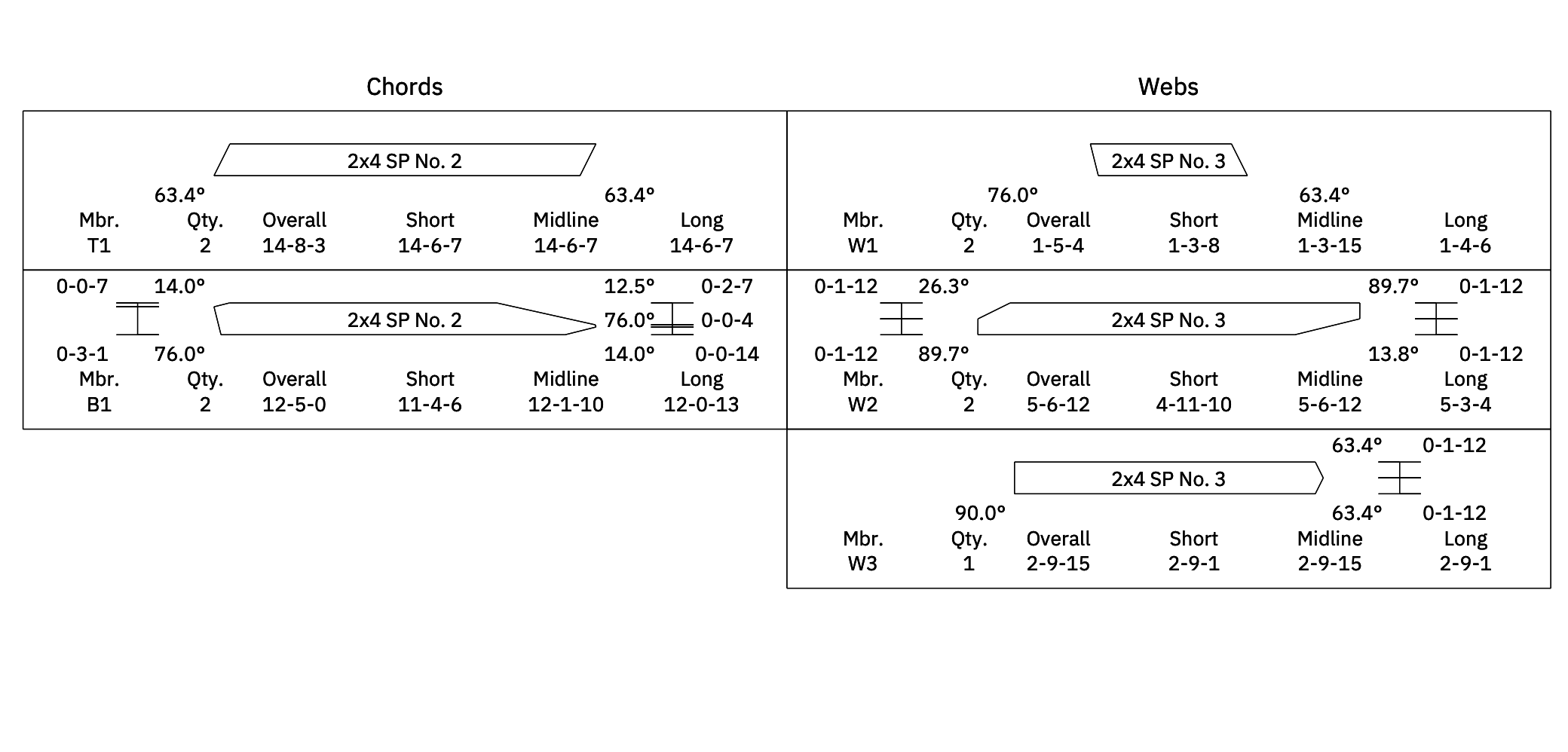
A PDF with dimensions and cuts necessary for cutting and fabrication. Shop Drawings can be downloaded with the cut sheets combined with or separate from the truss image.
## Truss Design Drawing (TDD)
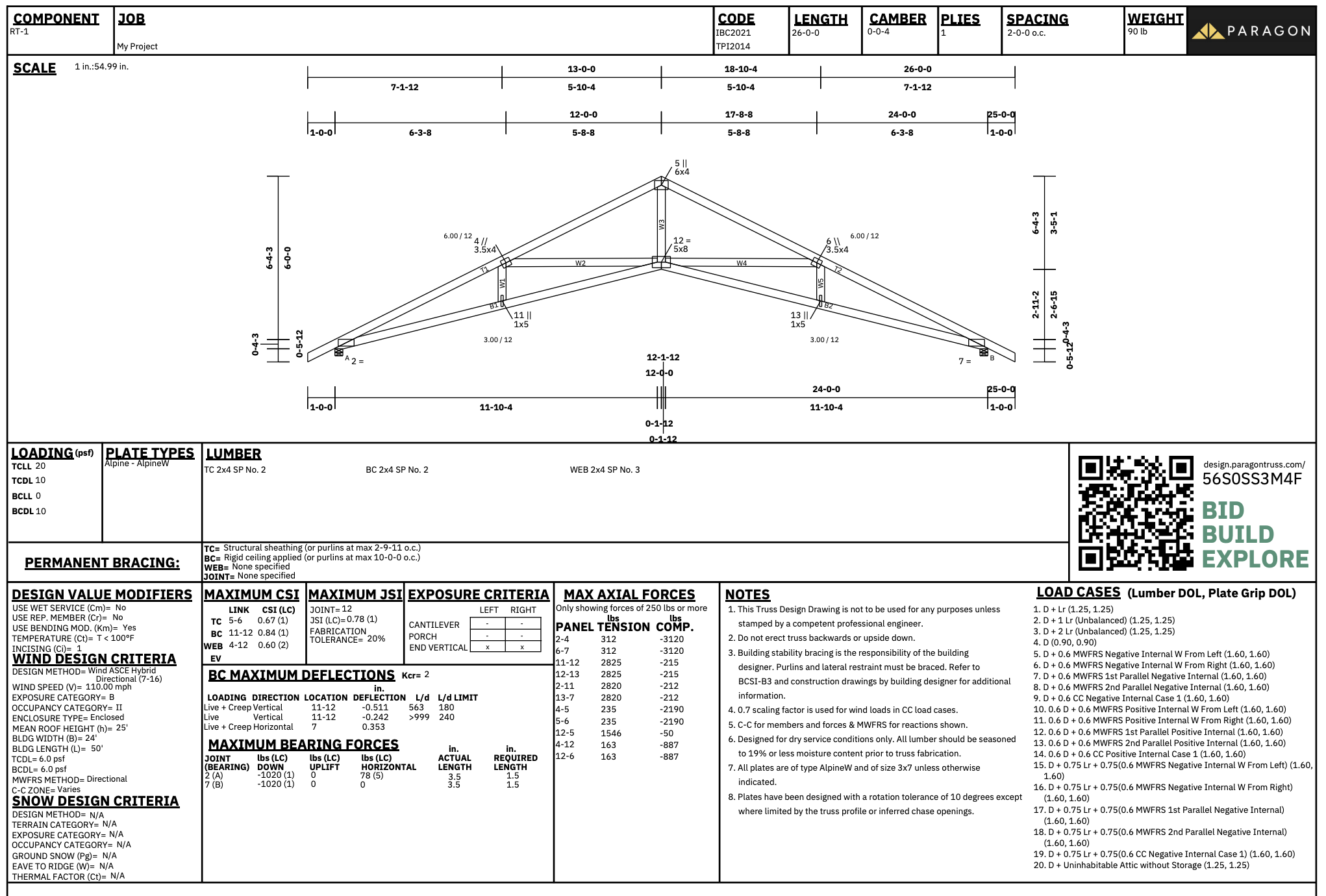
A PDF with analysis outputs, loading information, plate types, lumber, and more. TDDs exported from Paragon include [TrussLink.](/design/explanation/trusslink.md)
## Repair Design Drawing
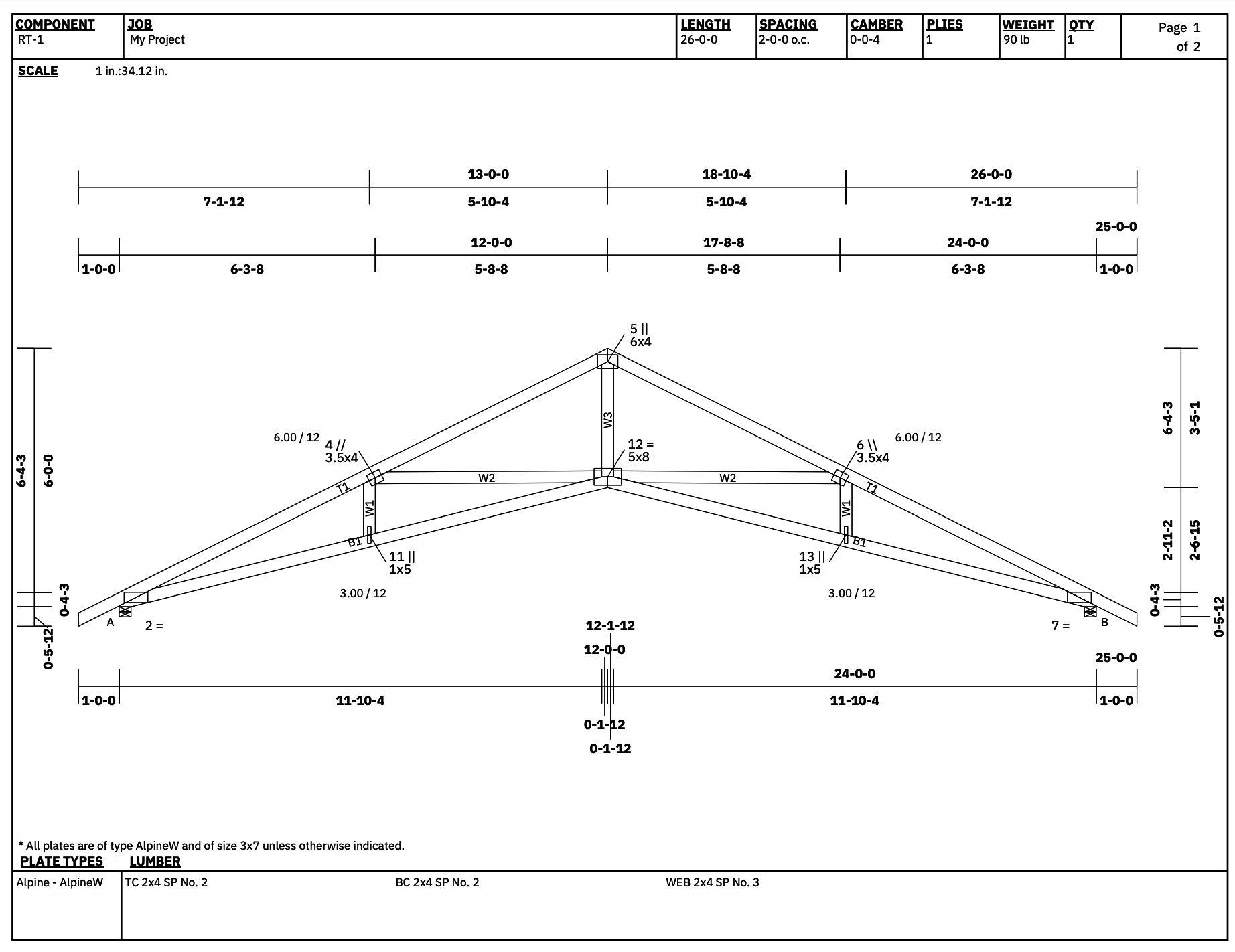
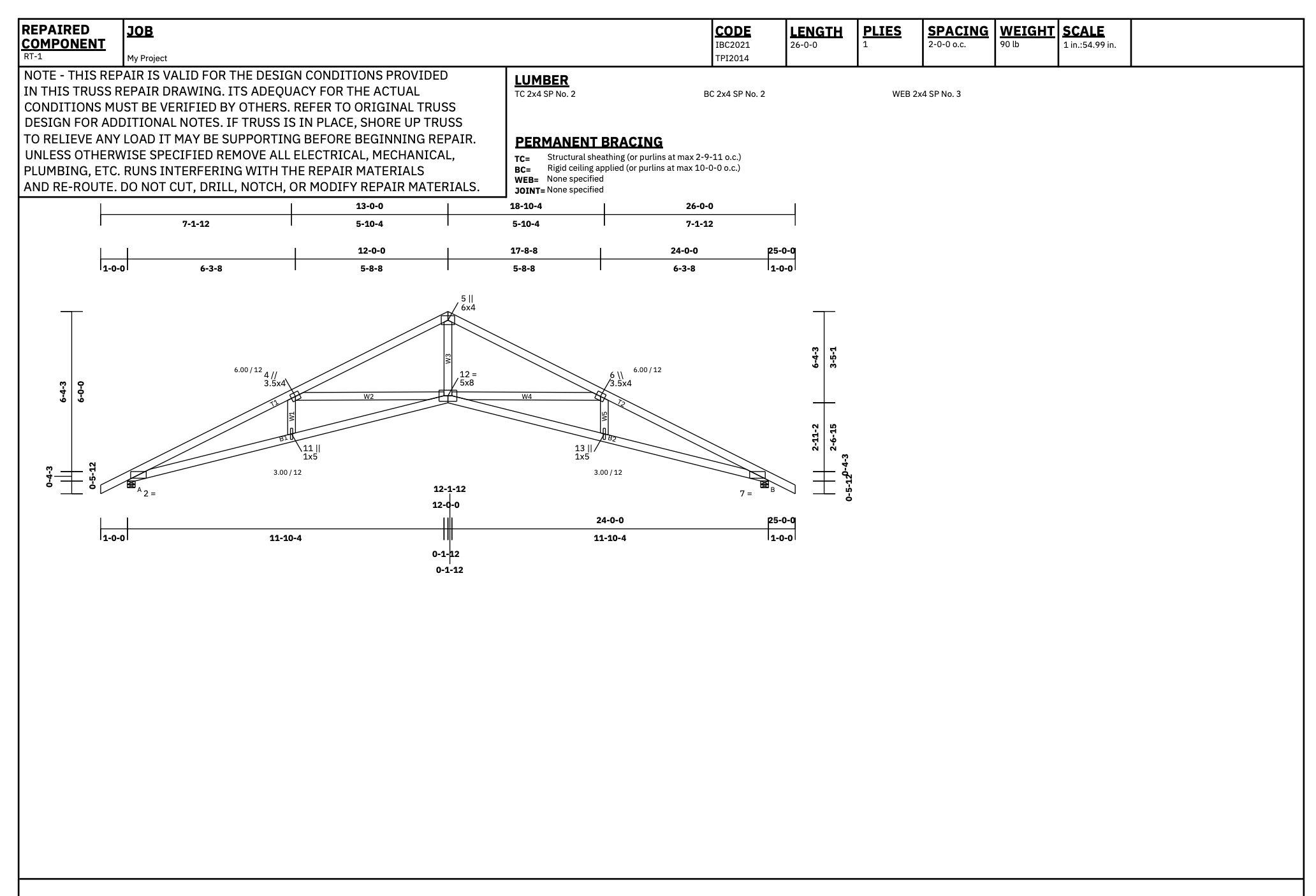
A Repair Design Drawing is a PDF that's like a TDD but without analysis information and with added space for repair details.
## Joint QC Detail
A PDF to assist you with truss plate Quality Control (QC) inspections.
## Digital QC File JSON
Download Digital QC JSON files which are compatible with SBCA's Digital QC application. Refer to [SBCA's Digital QC Resources](https://www.sbcacomponents.com/digqc-resources) for more information on the digital in-plant quality control program.
## Layout Drawing PDF
Export a PDF Truss Placement Diagram of the layout in your project.
## TPS
A truss profile file used for things like laser truss projection in component manufacturing.
## TRE
A file that describes the truss materials and geometry. Can be used by other software to produce many different shop-specific outputs.
## Machinery TRS
A file with a .trs file extension used by automated saws in component manufacturing shops. Download TRS files to include `All` member types or separately for `Chords`, `Webs` or `Blocks`.
## OMN File
A file with a .omn file extension used by automated saws in component manufacturing shops.
---
# Agent Instructions
This documentation is published with GitBook. GitBook is the documentation platform designed so that both humans and AI agents can read, navigate, and reason over technical content effectively. Learn more at gitbook.com.
## Querying This Documentation
If you need additional information that is not directly available in this page, you can query the documentation dynamically by asking a question.
Perform an HTTP GET request on the current page URL with the `ask` query parameter, and the optional `goal` query parameter:
```
GET https://docs.paragontruss.com/design/reference/download-options.md?ask=&goal=
```
`ask` is the immediate question: it should be specific, self-contained, and written in natural language.
`goal` is optional and describes the broader end goal you are ultimately trying to accomplish on behalf of the user. GitBook uses it to tailor the answer towards what is most useful for that goal.
The response will contain a direct answer to the question and relevant excerpts and sources from the documentation.
Use this mechanism when the answer is not explicitly present in the current page, you need clarification or additional context, or you want to retrieve related documentation sections.