Manage Project and Component Settings
Modify Project Properties
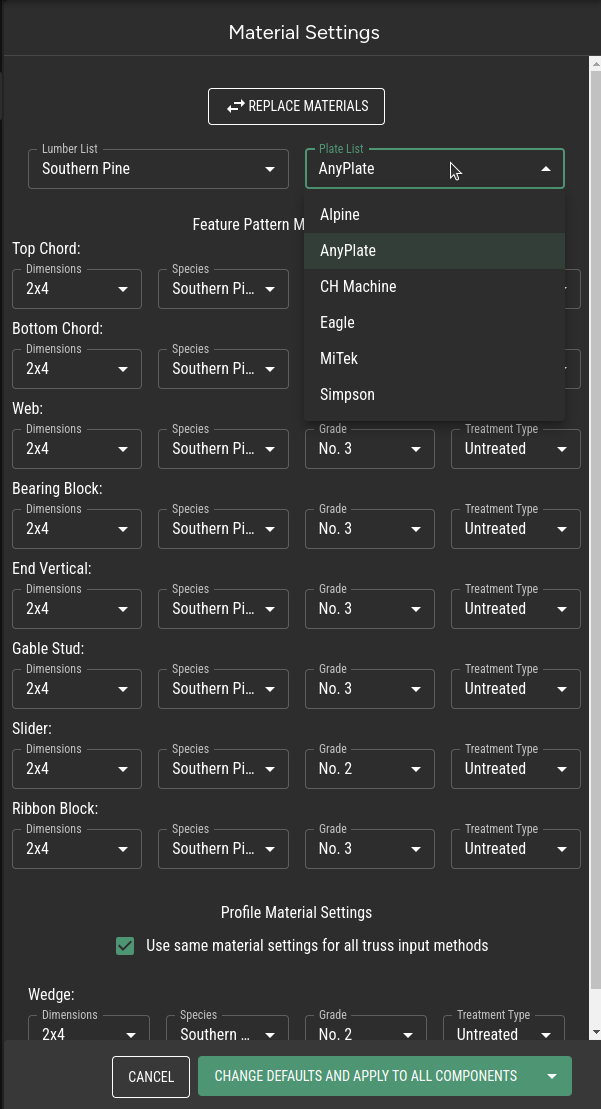
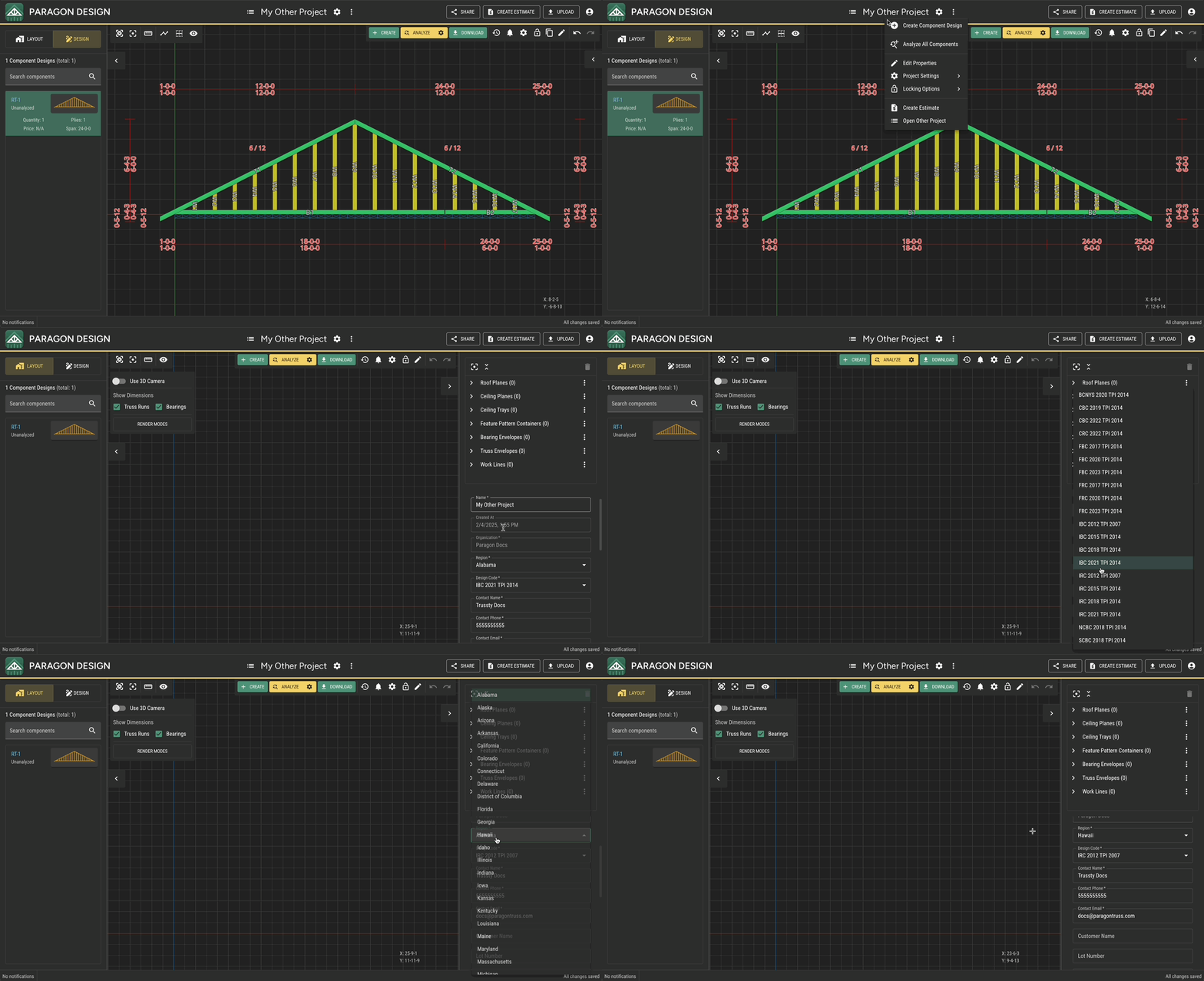
Step 1 - Right-click on the Project Name in the Header to open the Project Properties Subpanel and choose Edit Properties.
Project Name in the Header to open the Project Properties Subpanel and choose Edit Properties.Step 2 - Use the Project Properties panel in the Right Sidebar to modify the desired properties.
Project Properties panel in the Right Sidebar to modify the desired properties.
Modify Component Properties
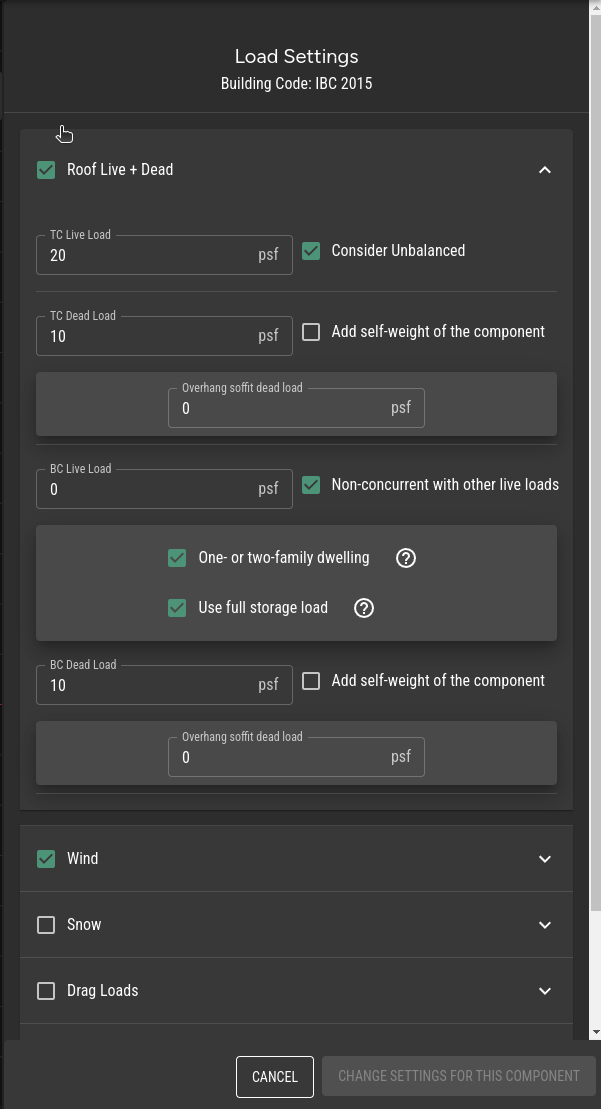
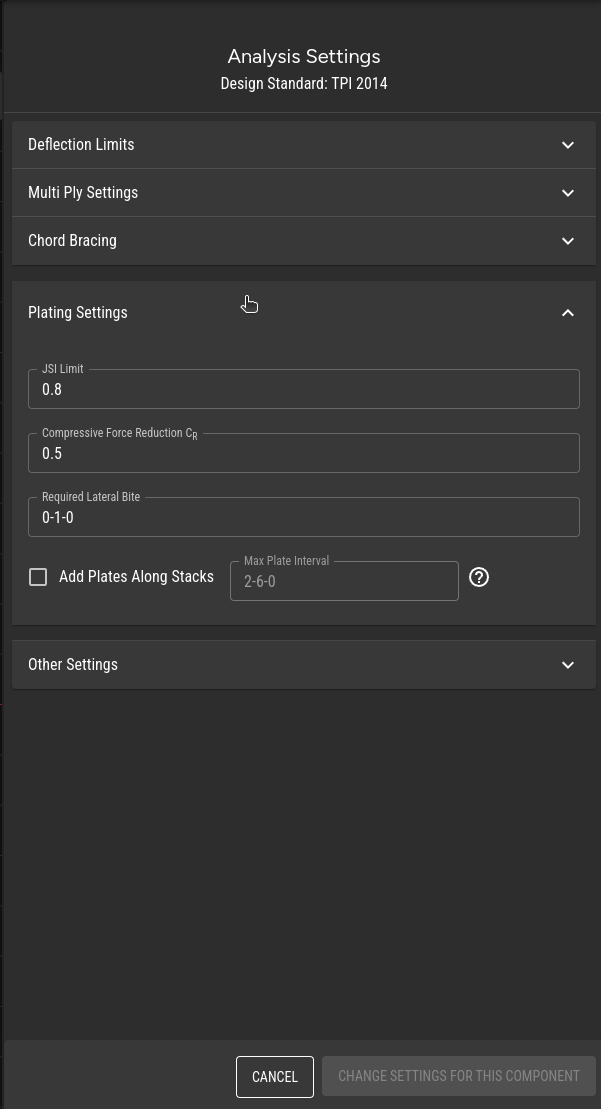
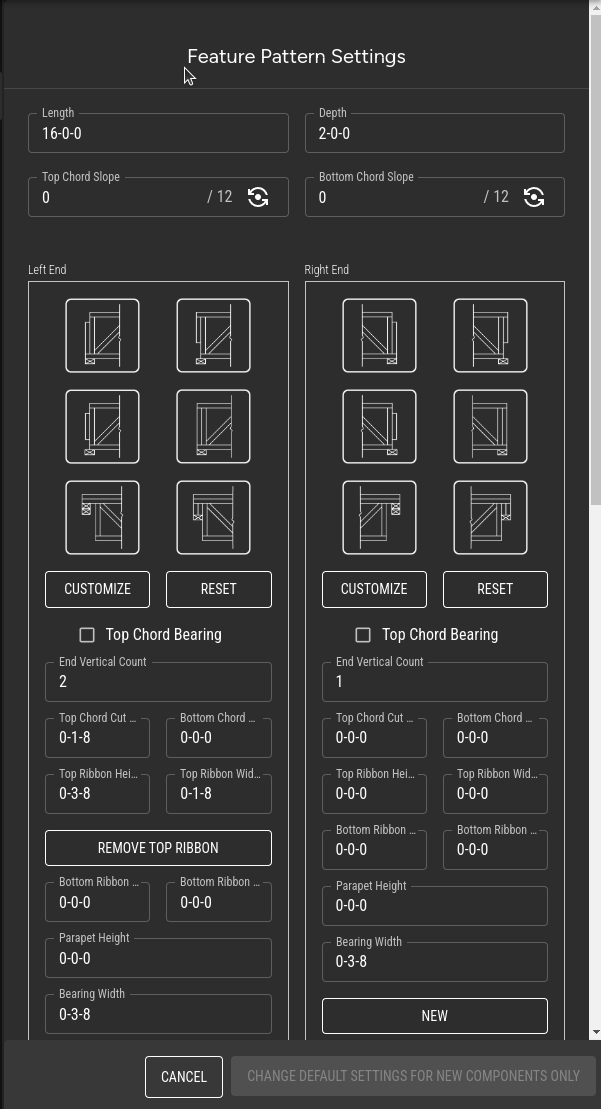
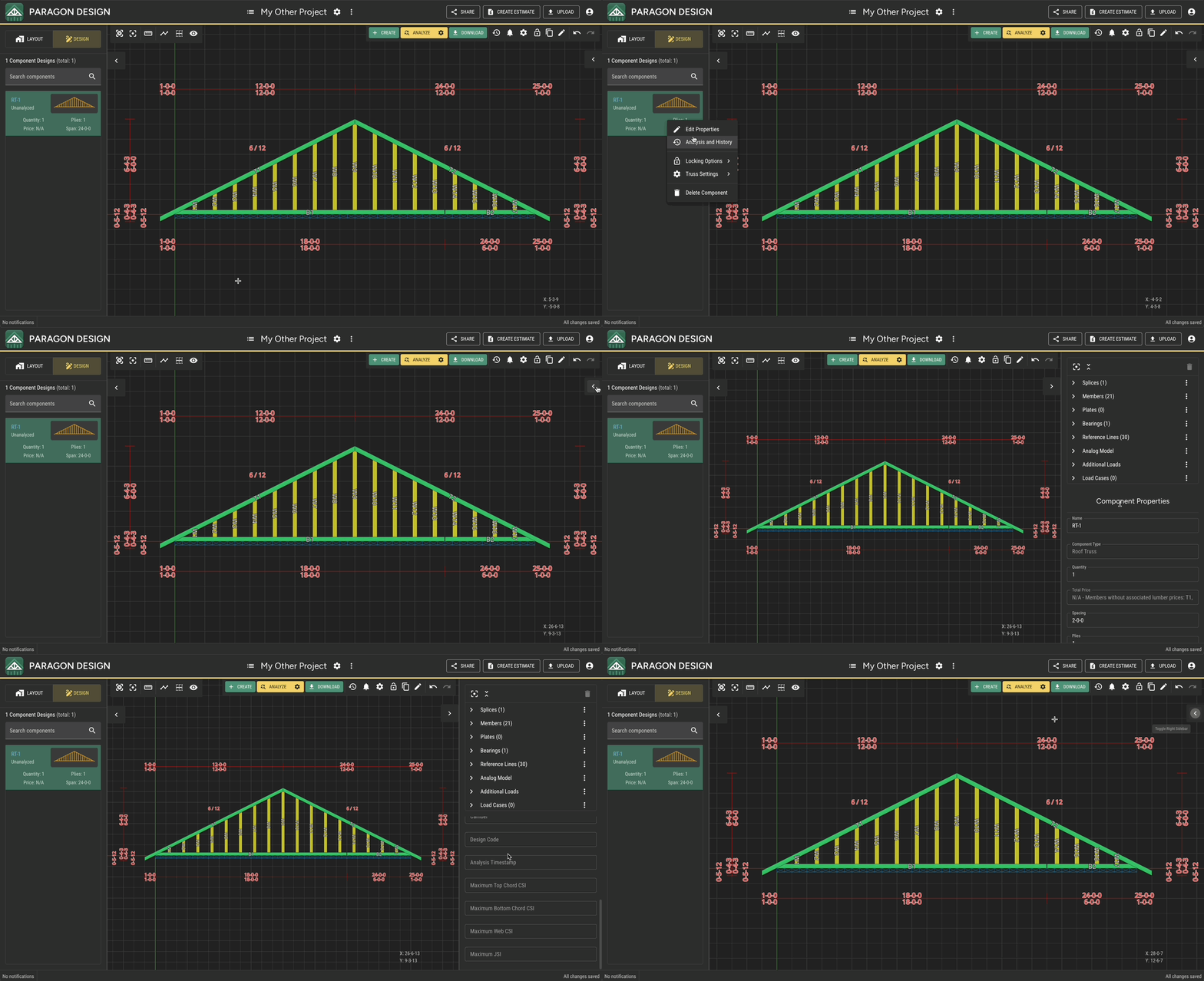
Step 1 - Select a component in the Left Sidebar and open the Right Sidebar or right-click the component and click Edit Properties to open the Component Properties Subpanel
Left Sidebar and open the Right Sidebar or right-click the component and click Edit Properties to open the Component Properties SubpanelStep 2 - Use the Component Properties panel in the Right Sidebar to modify the desired properties.
Component Properties panel in the Right Sidebar to modify the desired properties.
Last updated